

What the hell, N4L
As a NZ public school student, I get to deal with the wonder that is Network For Learning (N4L) and to put it simply, wow this sucks.
However, my main gripes didn’t start with the wifi—it’s good enough to stare at a blank google doc pretending to do work—but it started with secure access.
What even is secure access? Well to put it simply, they rebranded Ruckus Cloudpath to N4L secure access, and sent a guy out to schools to change some wifi settings.
So, being the slightly privacy conscious, curious person I am, I open up my browser on my laptop, go to the magic domain (let’s call it school.n4l.co.nz for the sake of privacy) and start the ✨experience✨ which mainly consists of handing over my school Microsoft creds and getting thrown to this screen:
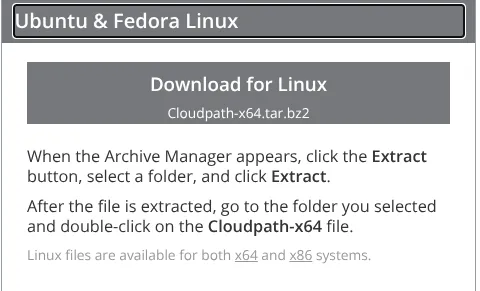
Yes N4L, I’m using Linux, but no, I’m not using Fedora or Ubuntu, and no, I am absolutely not downloading some random, closed-source app just to authenticate to an access point.
So I decided to dig deeper, after all I didn’t have to connect to the new managed network yet…
So I called for help.
Fellow student dev, Arslaan Pathan highlighted just how deep the rabbit hole goes: “they block everything My site was blocked for “Games” by the automated filter because I mentioned ONCE in the about me that I like Minecraft/other games I had to personally send an unblock request My school blocked GITHUB for ages and it took months to get it unblocked The GitHub block actively disrupted student’s digital tech homework”
which makes N4L sound a bit hellish, which is very true. I find it to be a good time to mention that every few months they randomly block GitHub Desktop, then unblock it a few weeks later. so that’s fun.
So filled with this knowledge, I decided it was time to get on the new network myself. I sat down with the N4L helpdesk they set up in the Library, and got told “yeah just press other device and it gives you the passcode”
Really?
It’s that easy to circumvent “secure access”?
How secure really is secure access?
With that, I worked out that the other device passcodes are auto generated but don’t have a limit on how much you can use them. If you wanted to be really ‘protected’ from N4L, just get everyone to use one password, and maybe Cloudflare warp while you’re at it. You can never be too safe.
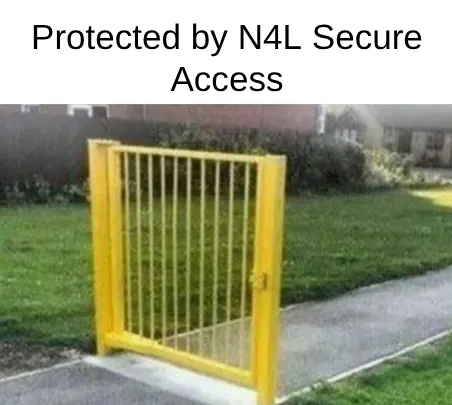
This is the absolute definition of security theater. They ‘built’ a massive, expensive gate and forgot to put fences on the sides.
See also: This meme I made in google slides
That’s not even the worst part. Some schools make their students install a certificate file, which lets the Palo Alto or Fortigate firewall DECRYPT THEIR INTERNET TRAFFIC?
I’m no security expert, but that seems like a small security vuln to me, all it takes is one rogue admin and your whole network is compromised. The good thing is my school didn’t opt in to this, but I don’t exactly trust N4L when it comes to safely storing passwords or sensitive info. If a bad actor compromises N4L’s root certificate, they can spoof any website (like a bank or Google) without the user’s browser triggering a security warning.
Here’s where the fun starts: it turns out that people don’t really read their emails, so from where I’m sitting in the library, I can see a long queue of confused students with their laptops. It turns out switching off the old wifi network does cause issues. Who knew? It also turns out people don’t want to download a suspicious closed source app to connect to the internet. No way.
So to recap
- N4L Secure Access isnt very nice
- We dont know what N4L is doing with our data
- Linux users are left out
- This can be circumvented with one click
Catch ya next time, josh [at] slitro [dot] studio
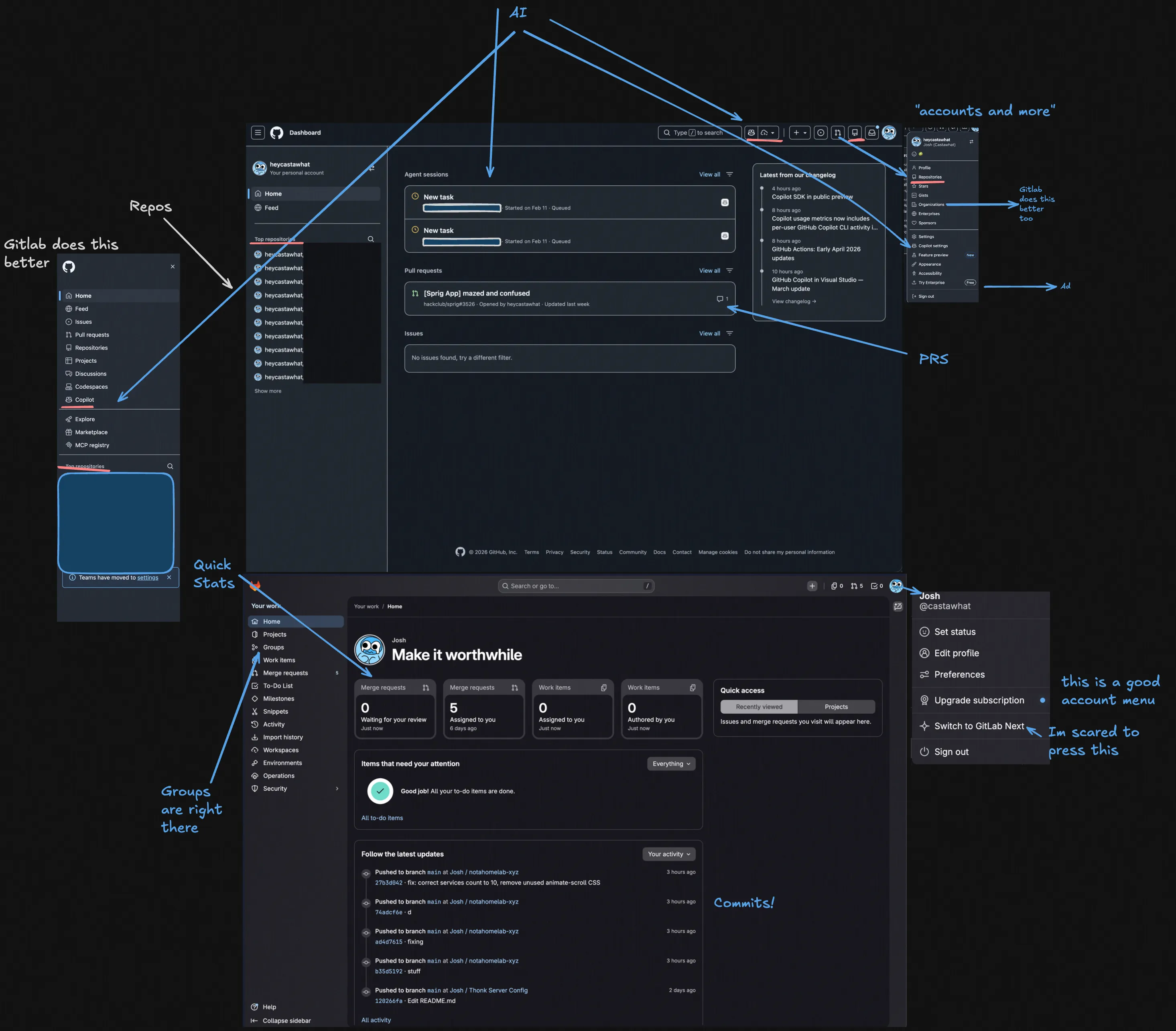 Just look at how unefficent this UI is!
Github, why do I have to go into accounts to get access to my organisations/groups? WHY? Gitlab has done an awesome job of making a nice home page, and github, a company owned by microsoft can only produce this? EVEN MY SELFHOSTED GITEA INSTANCE HAS BETTER UI THAN GITHUB!!!
Just look at how unefficent this UI is!
Github, why do I have to go into accounts to get access to my organisations/groups? WHY? Gitlab has done an awesome job of making a nice home page, and github, a company owned by microsoft can only produce this? EVEN MY SELFHOSTED GITEA INSTANCE HAS BETTER UI THAN GITHUB!!!
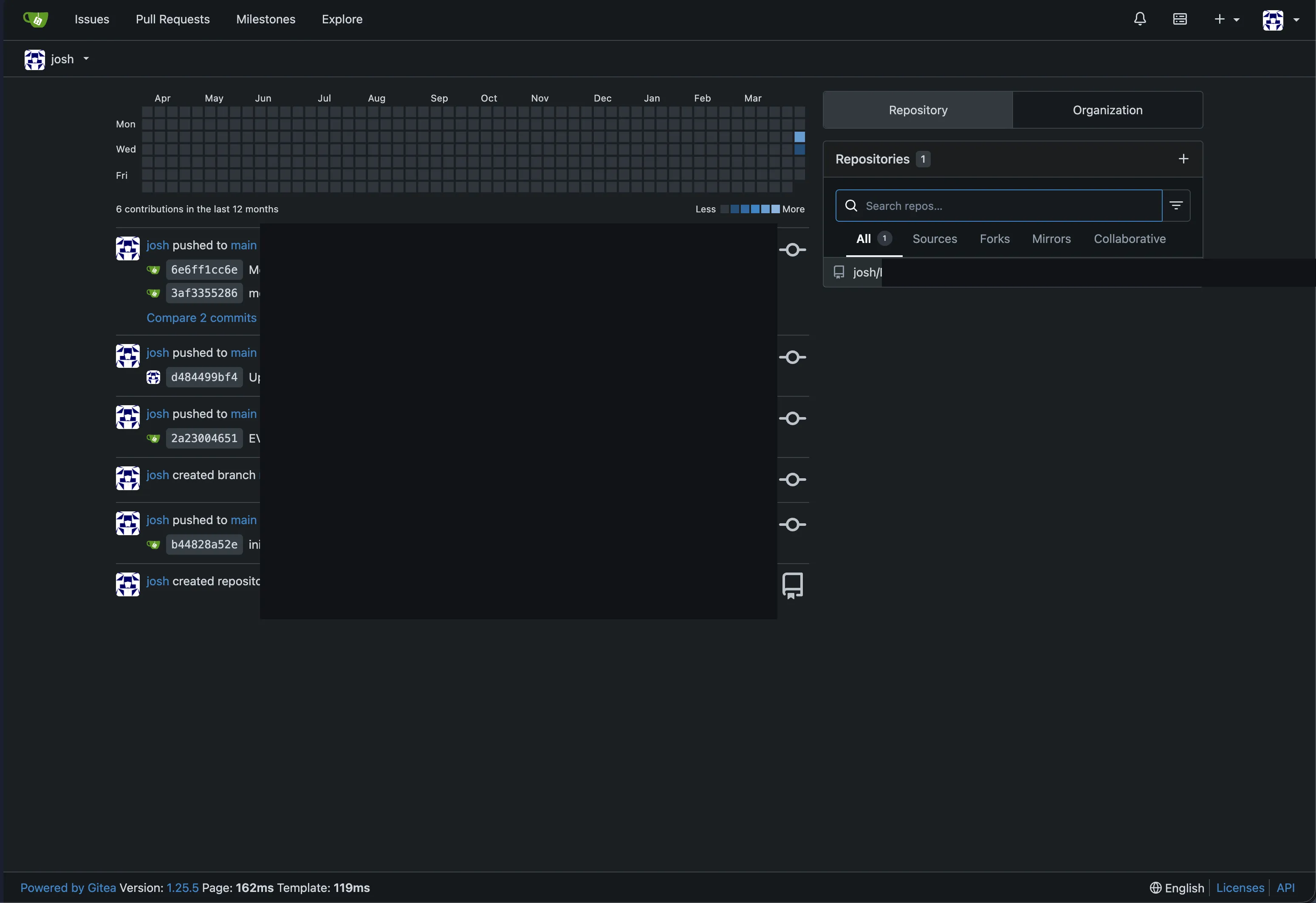 Seriously, this open source project has BETTER UI THAN GITHUB?
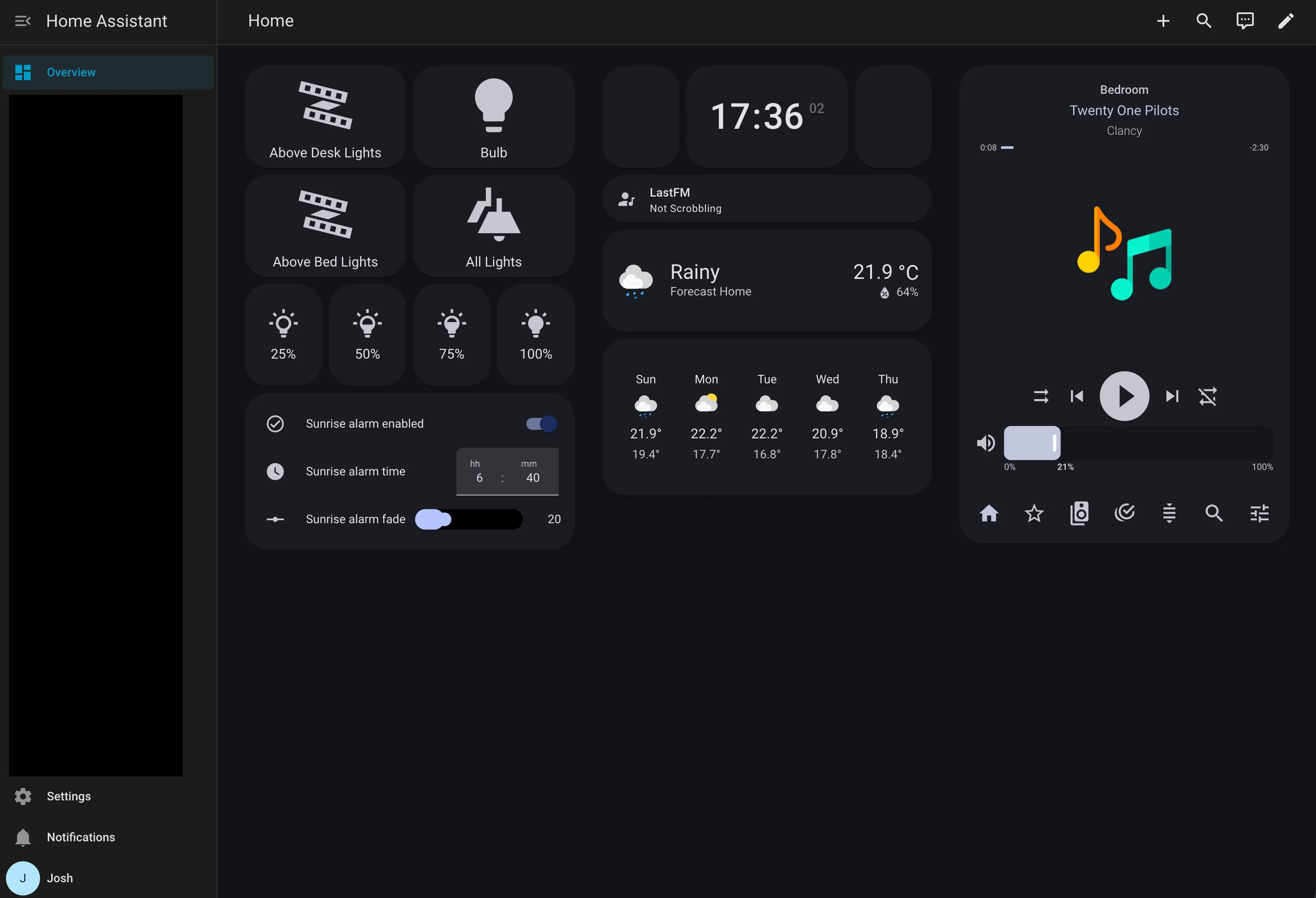 This here is my very own home assistant dashboard!
This lets me:
This here is my very own home assistant dashboard!
This lets me:


